Your phone stays on, so you can switch off.
Plug it in on the nightstand, turn it on its side, and NightDial becomes the clock beside your bed: a calm, dark face you can read from the pillow, an alarm you can trust, and a gentle word about the weather when you wake.
For iPhone · iOS 15 or later · Free
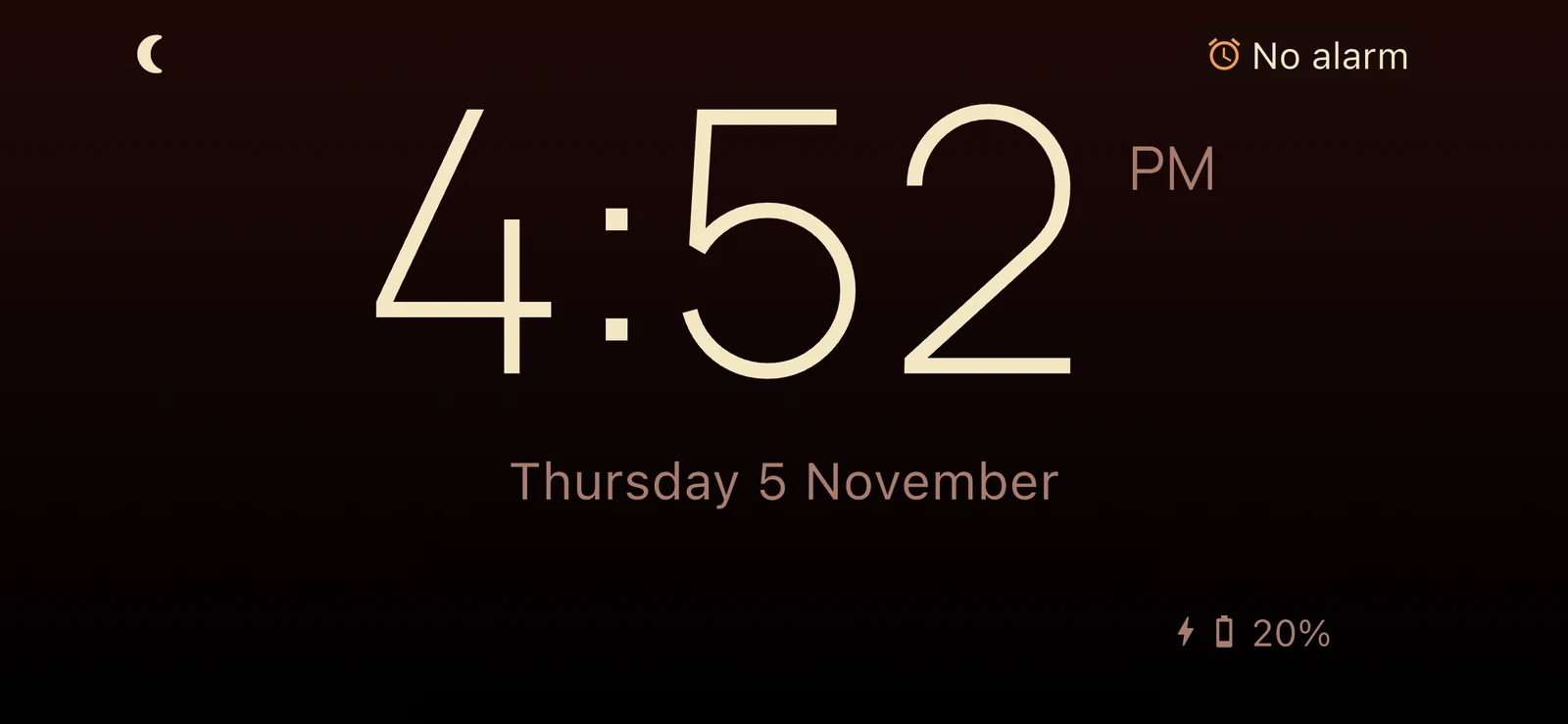
NightDial is always on, on any iPhone
The all-night bedside clock, without the newest iPhone.
iPhone's own bedside clock only stays lit all night on models with an always-on display: the Pro models from iPhone 14 on, and from iPhone 17 on, the standard models and iPhone Air too. On every other iPhone your screen goes dark after a moment. NightDial fixes this, and keeps the time glowing quietly until morning, on any iPhone running iOS 15 or later.
Plug it in
Pop it on the charger, just as you do every night.
Turn it on its side*
Landscape and on power, NightDial becomes a clock. Pick it up and it's a phone again.
Sleep
The screen stays awake, dark and dim, until your alarm.
* iPhone apps can't open by themselves. For NightDial to start the moment you plug in, add a quick automation in Apple's Shortcuts app: "When charger connects, run Start Clock". It takes just a minute or two, and you only do it once. Or simply open NightDial before bed.
Carefully designed faces
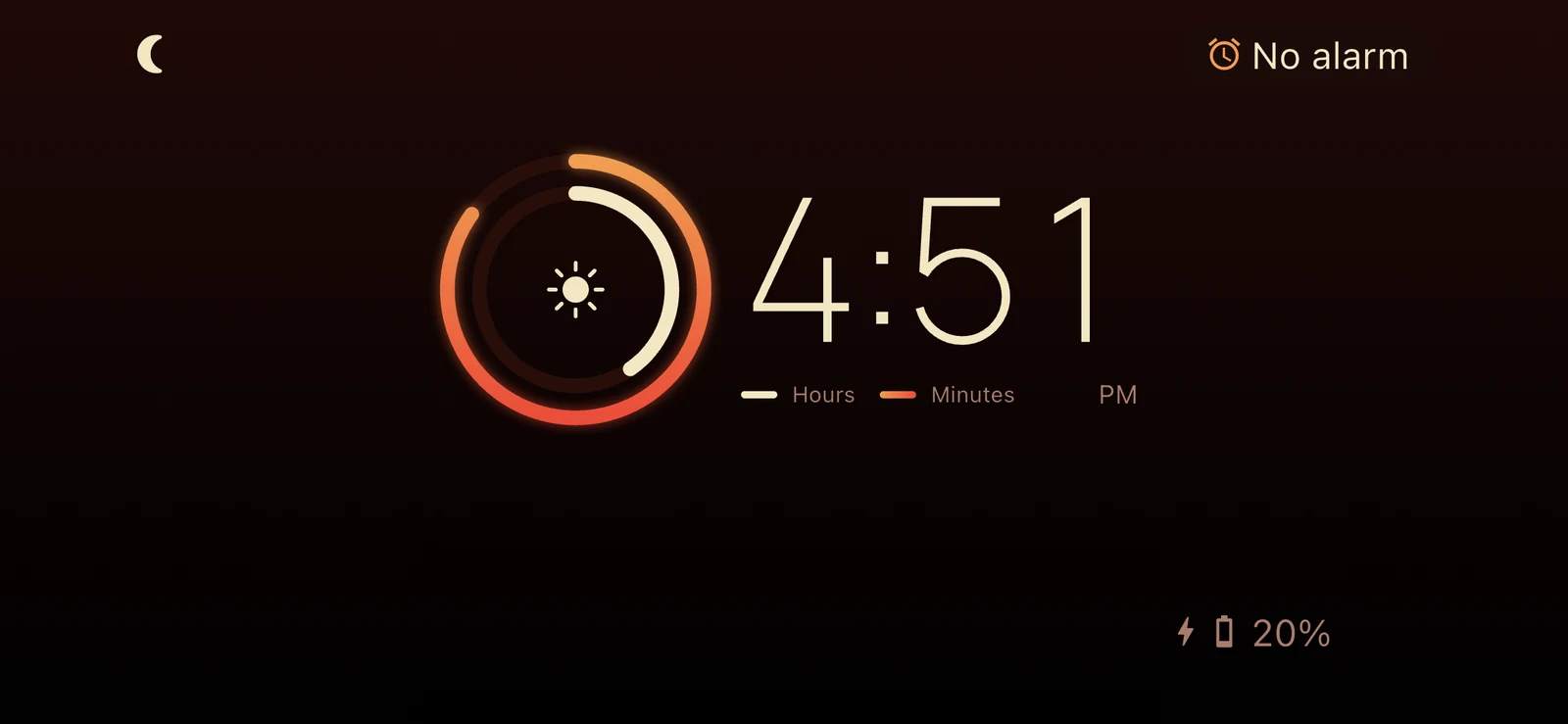
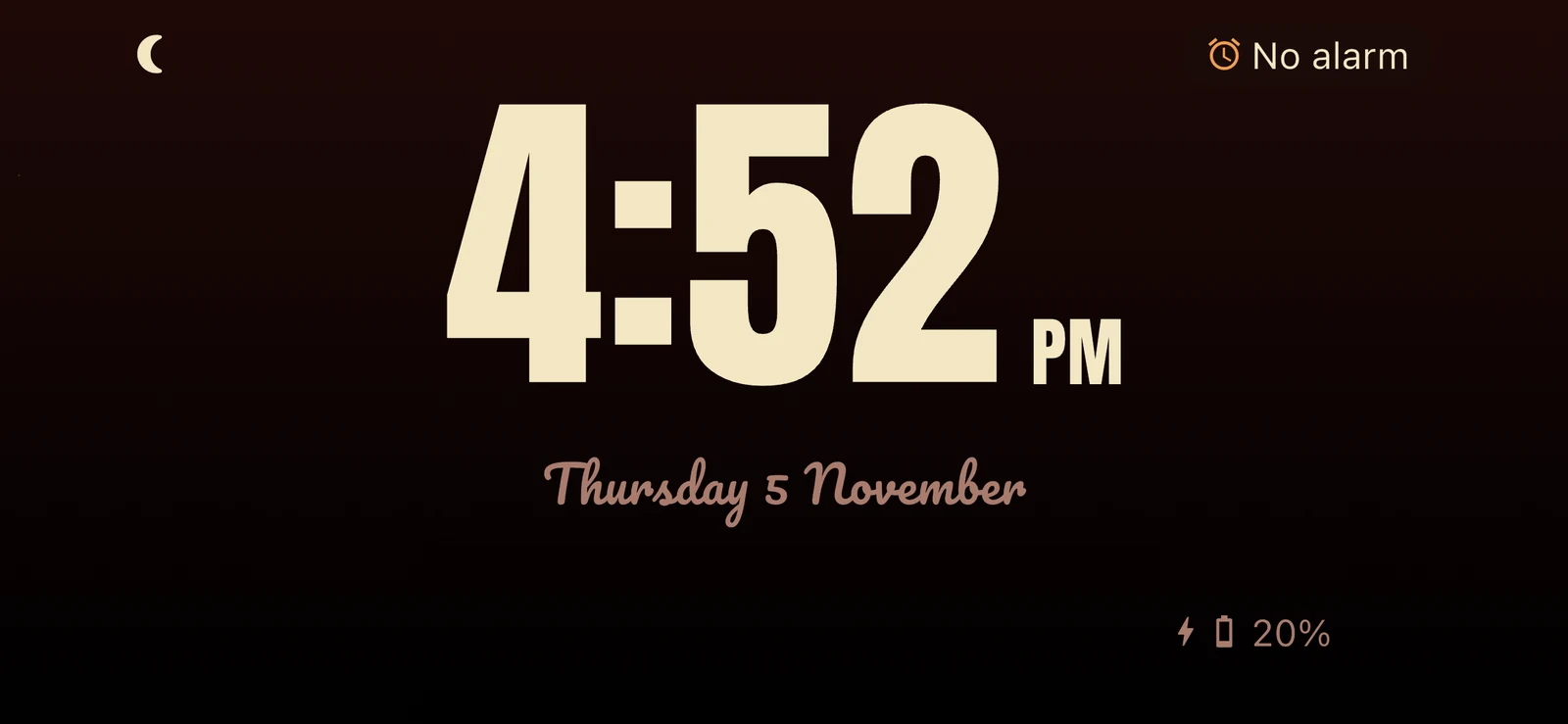
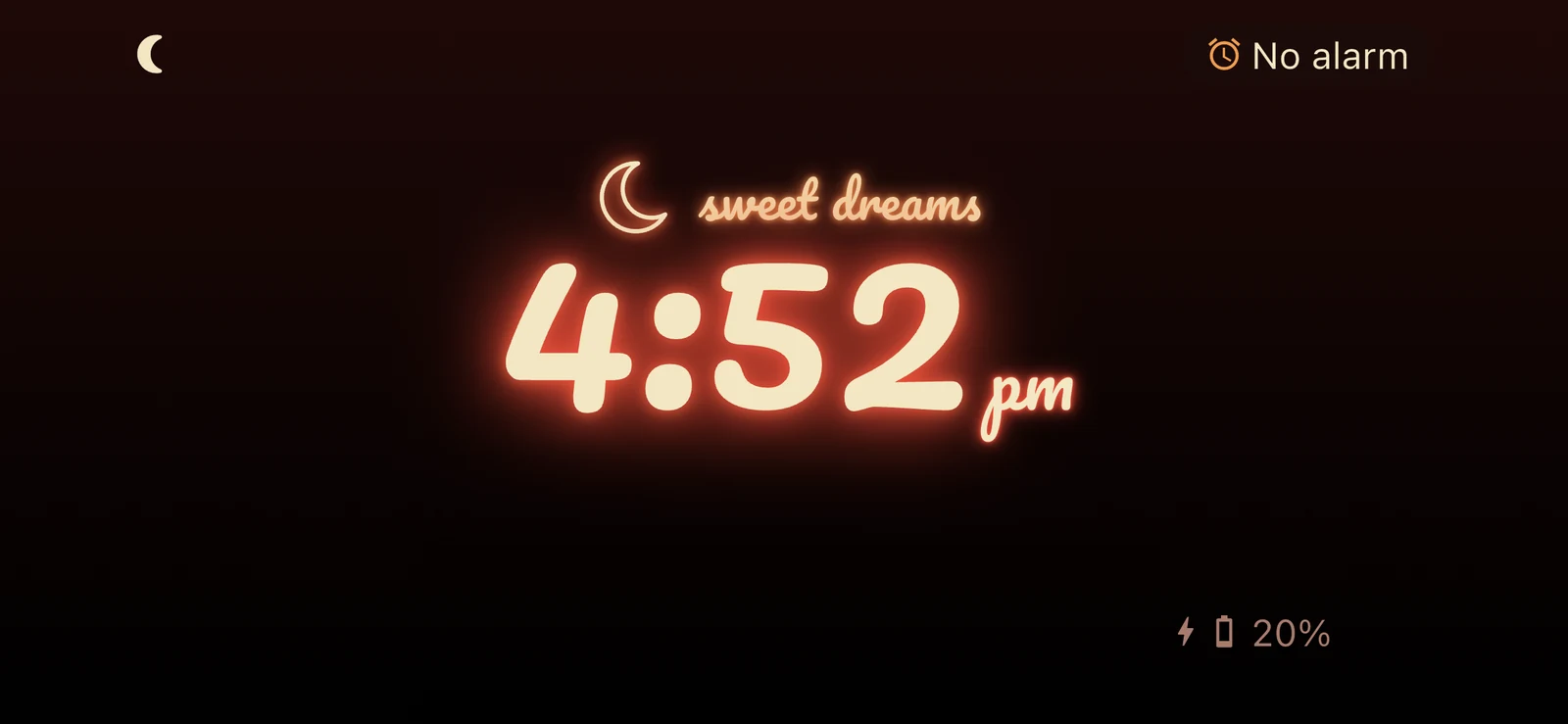
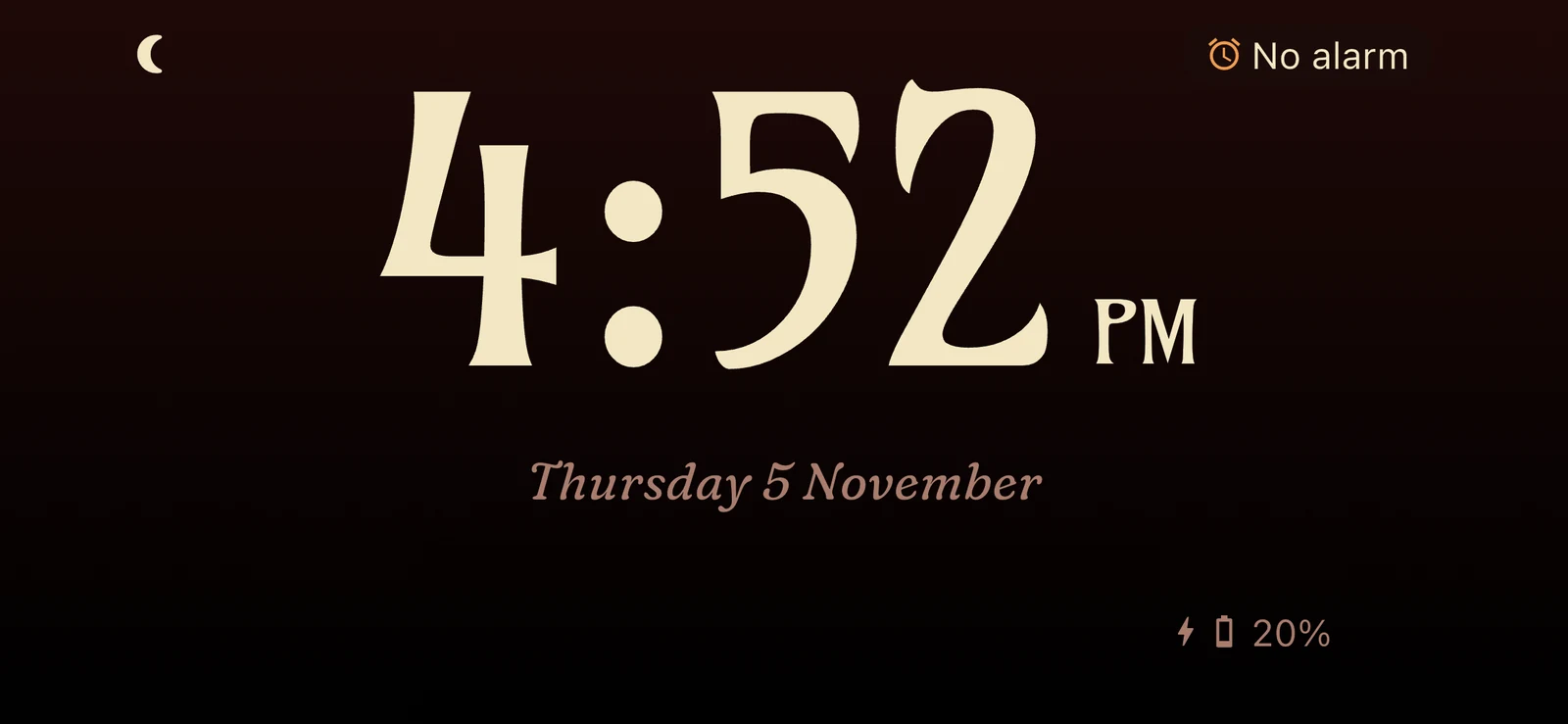
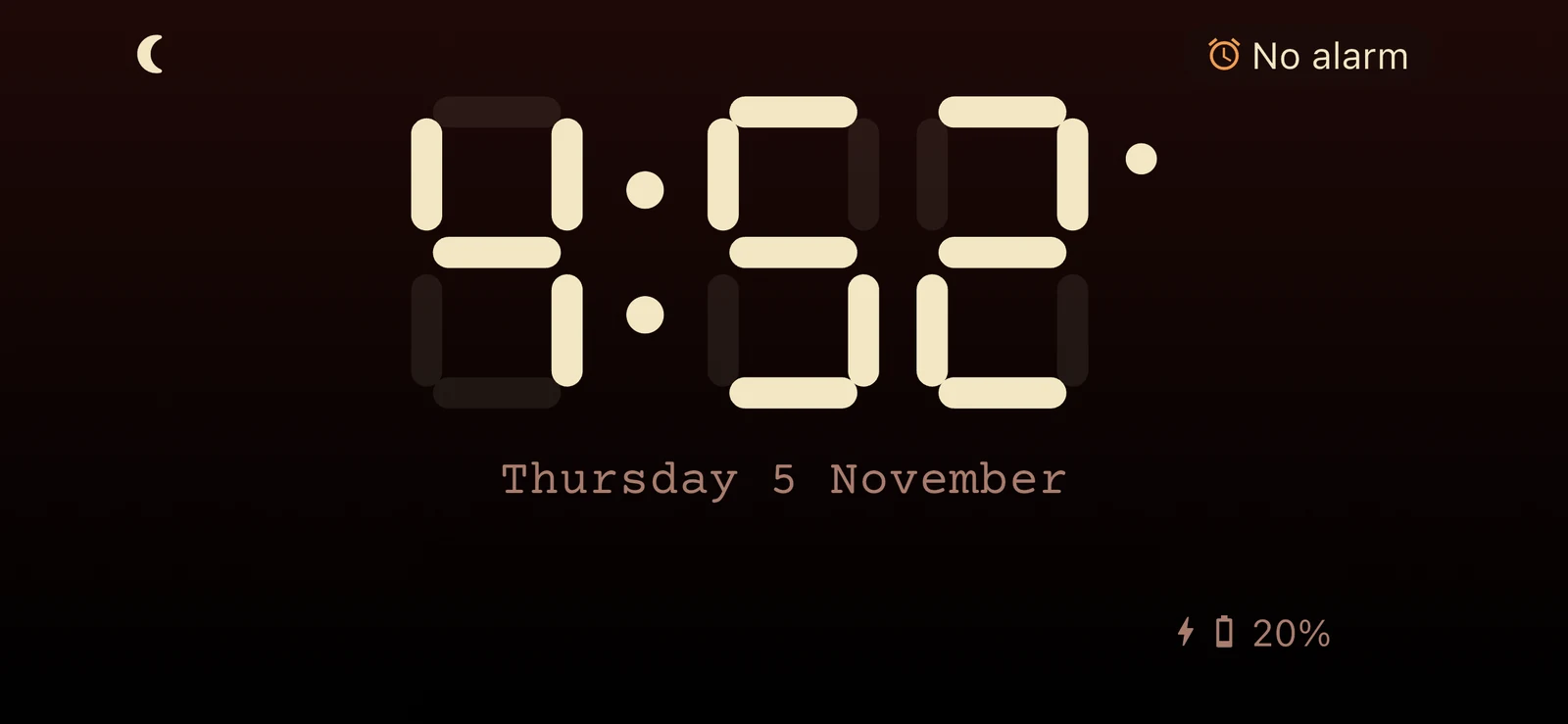
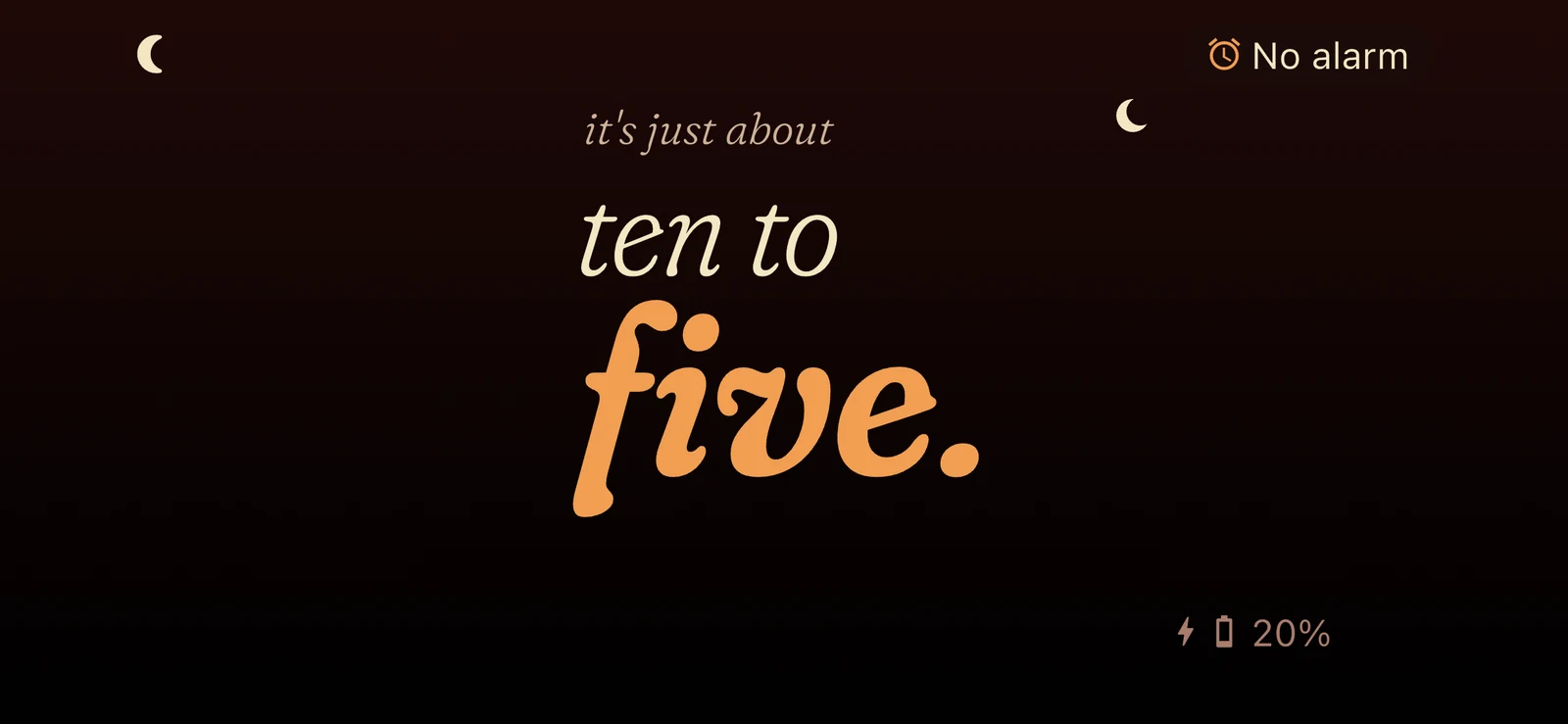
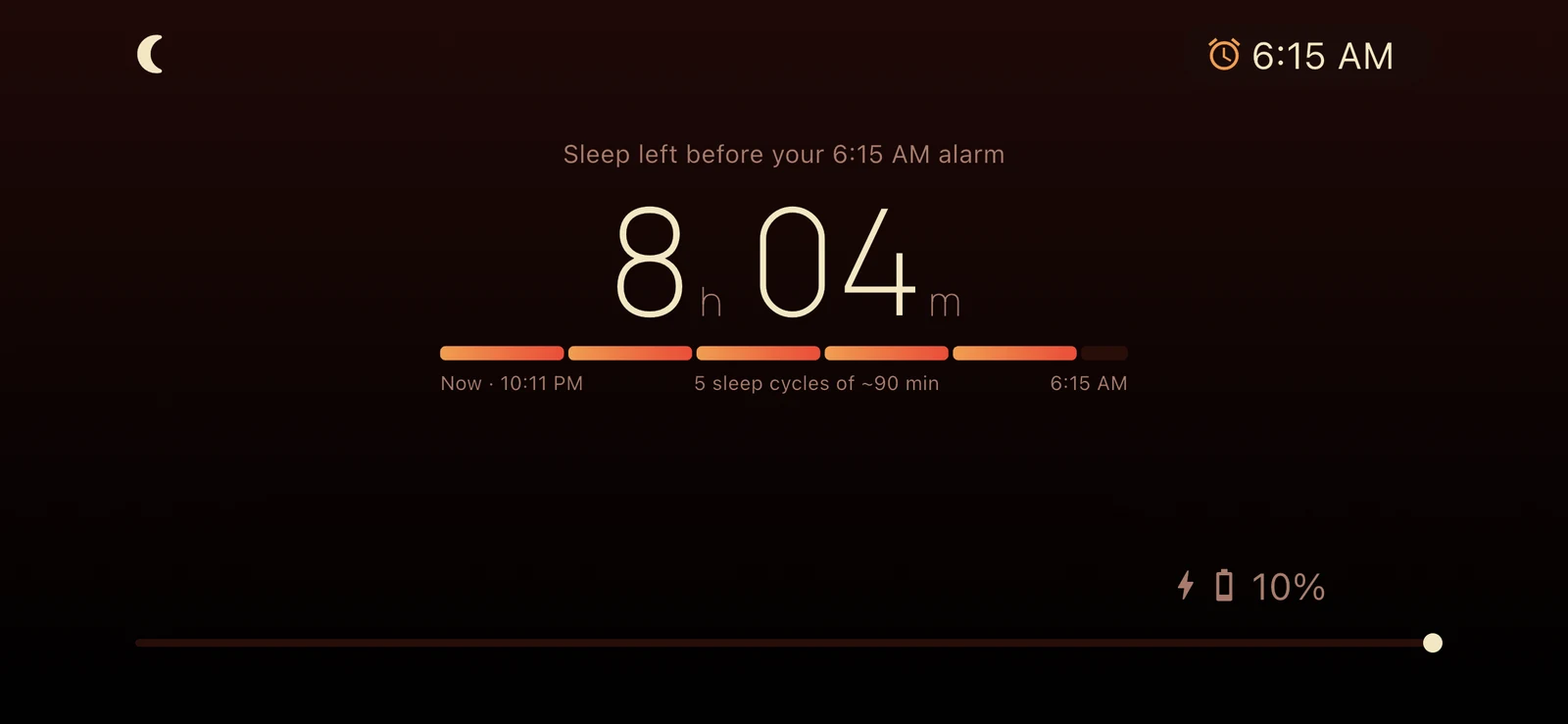
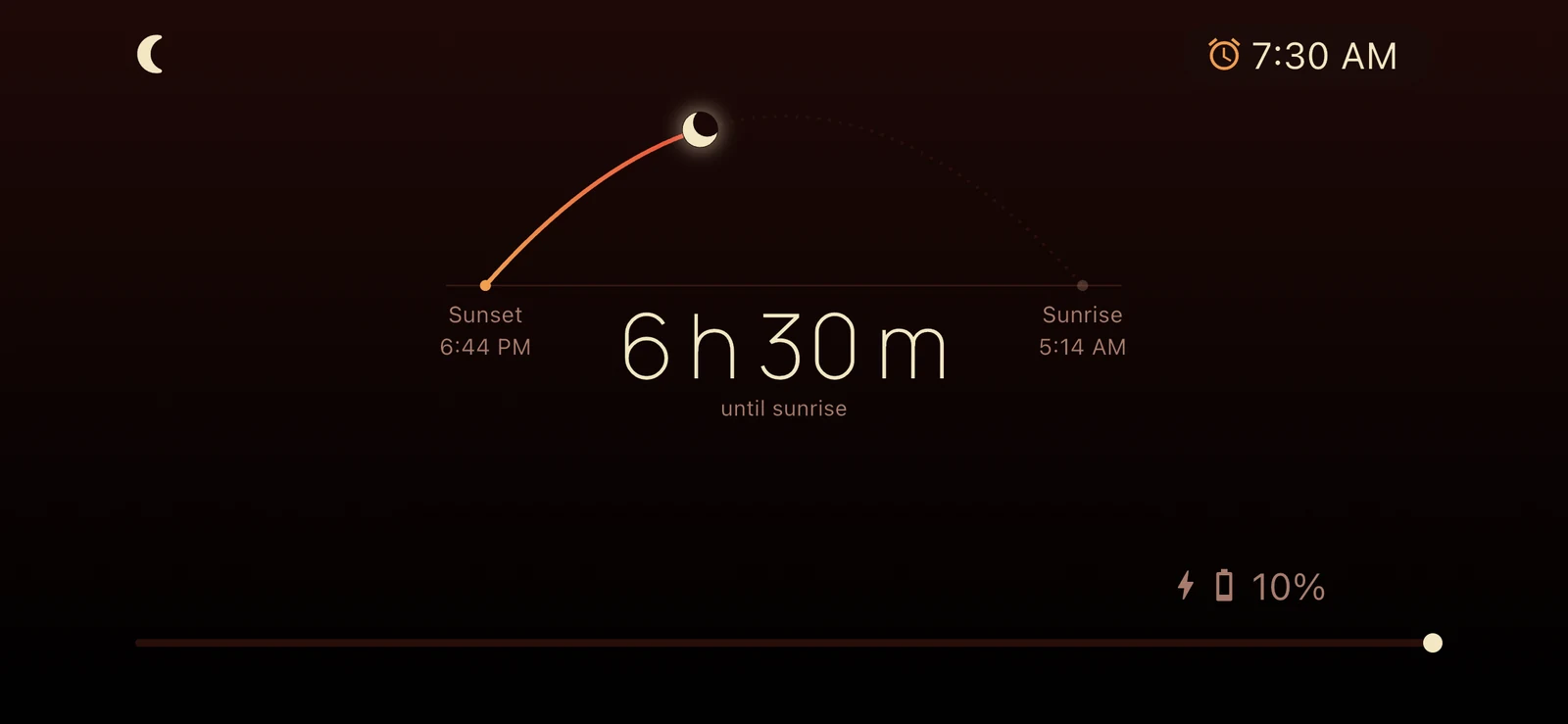
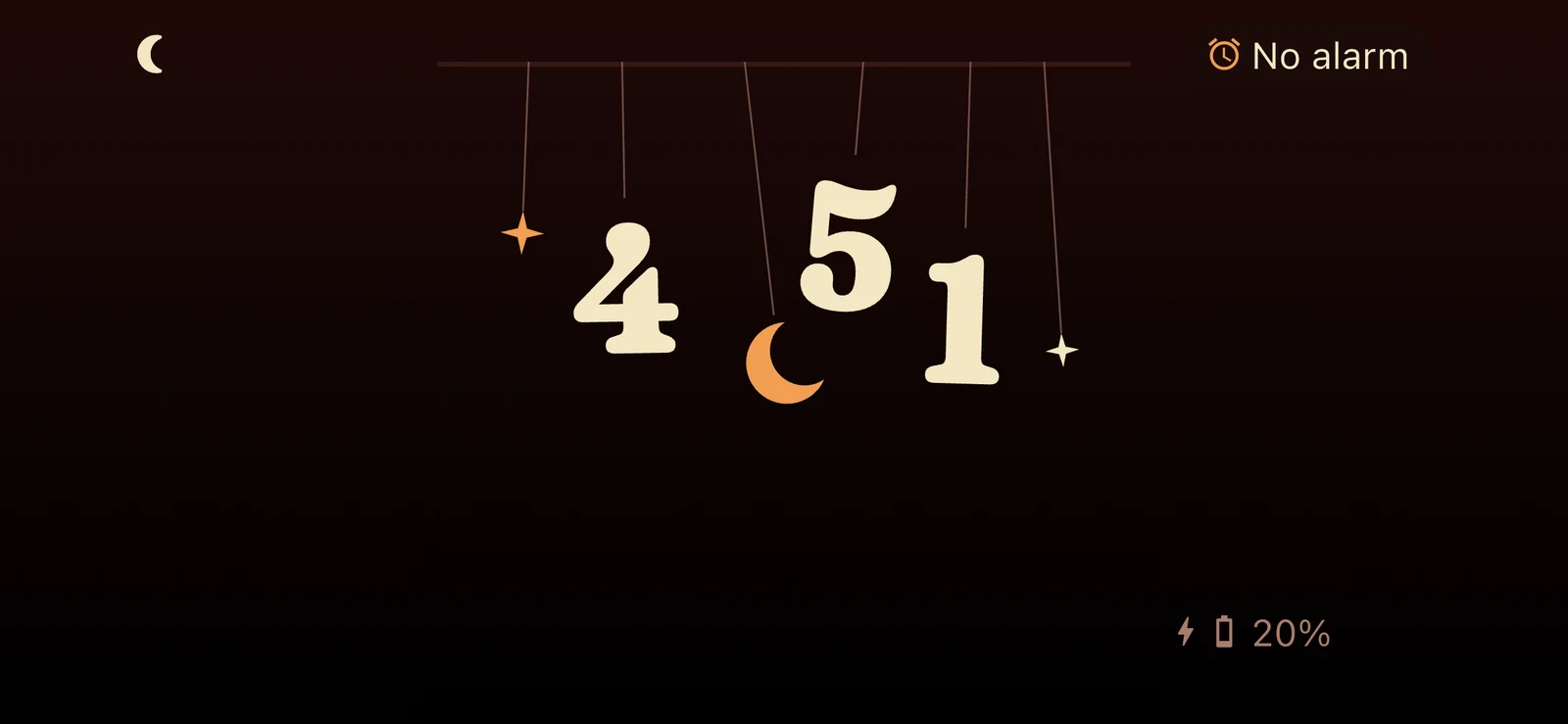
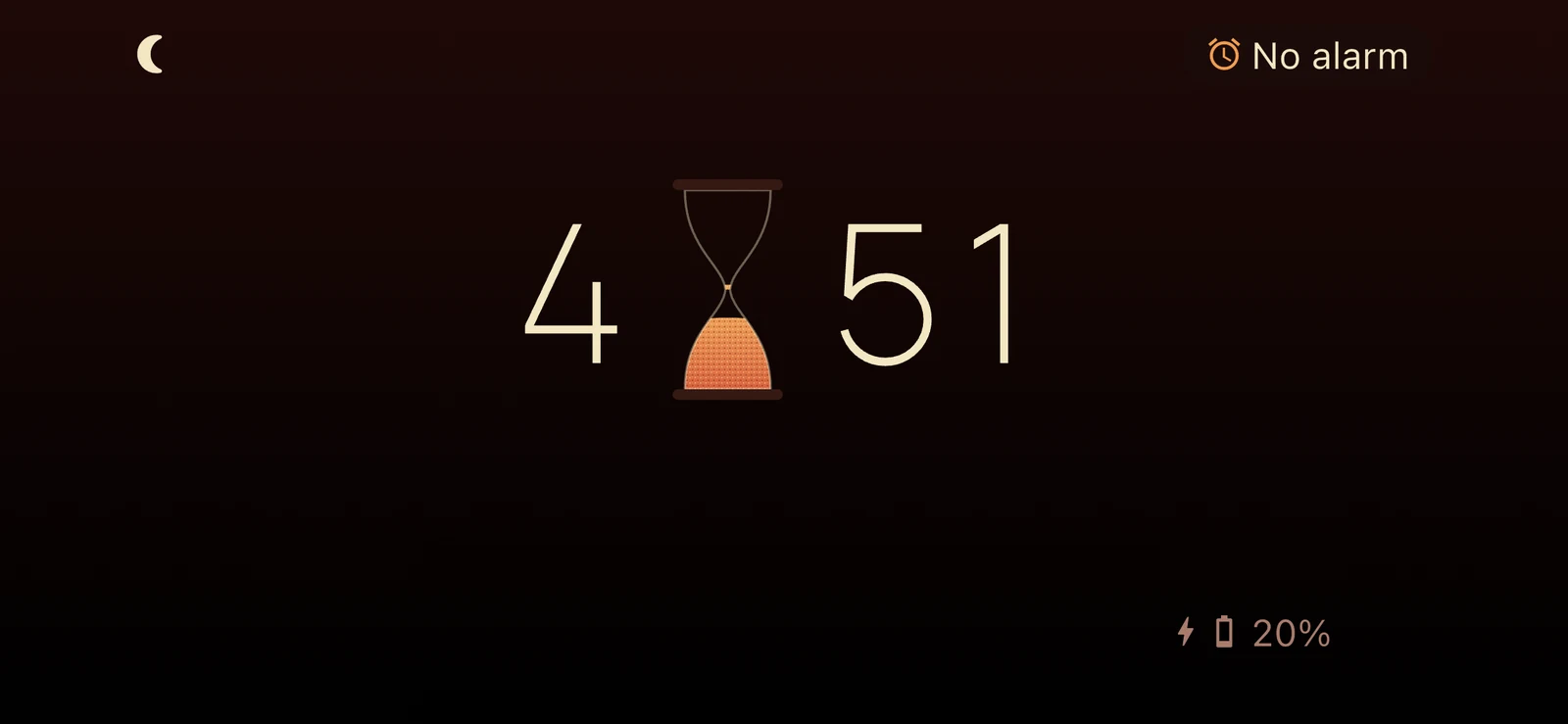
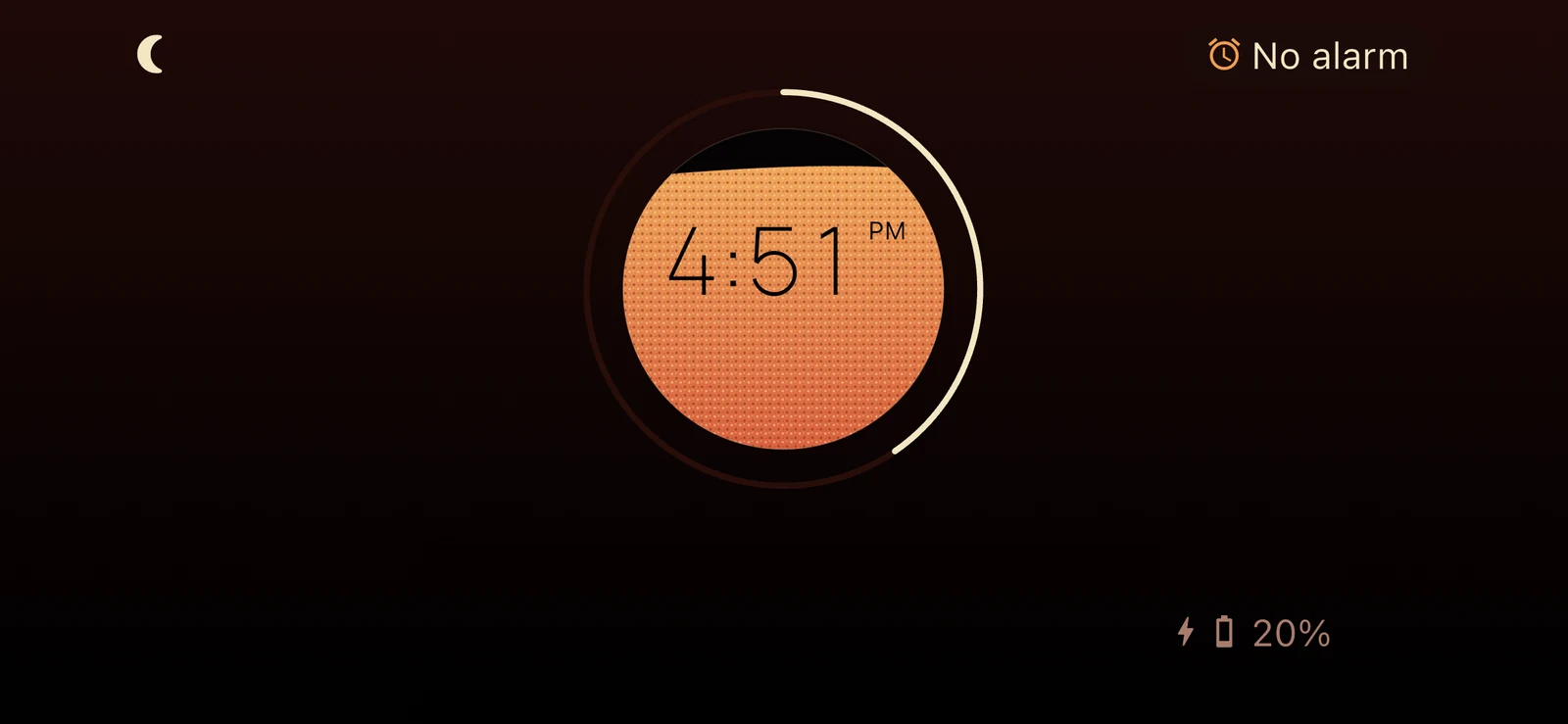
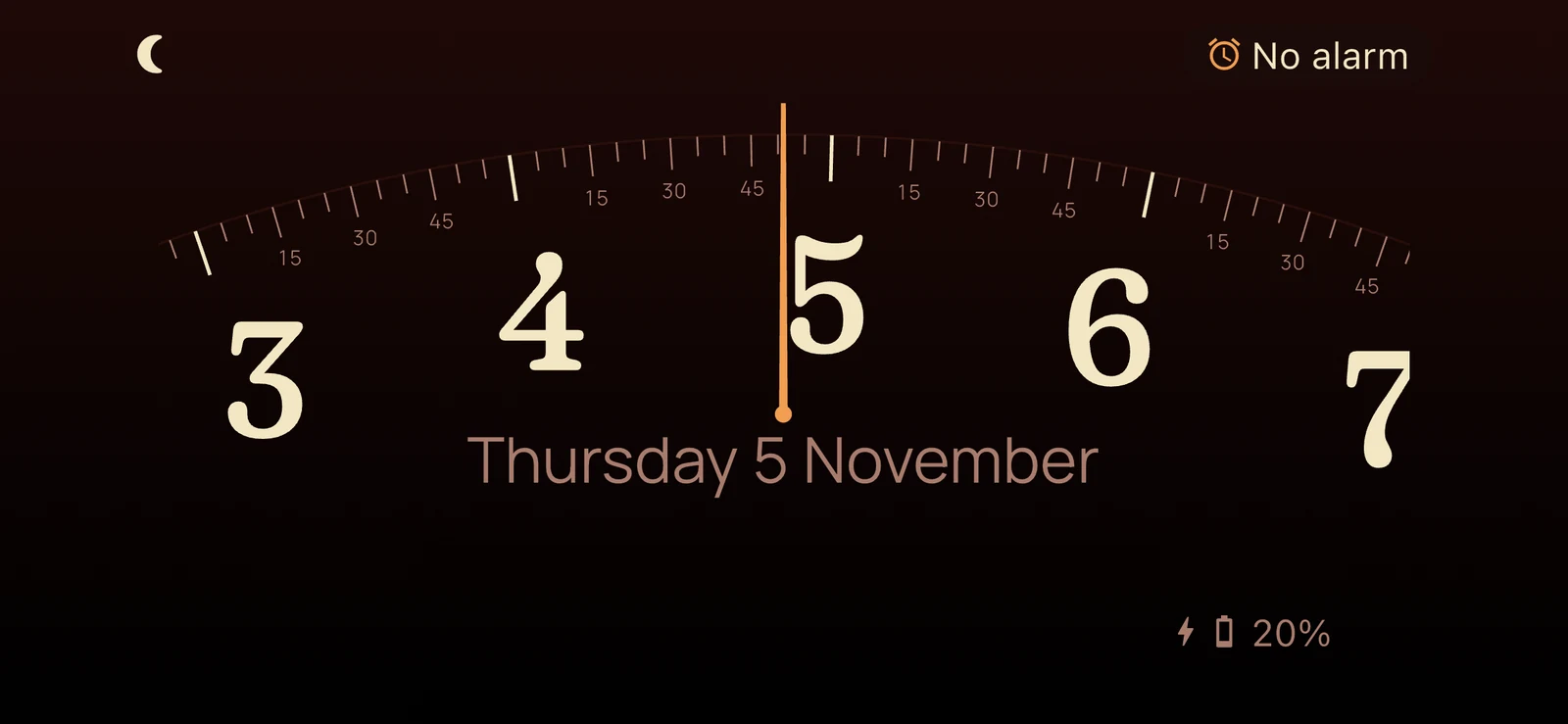
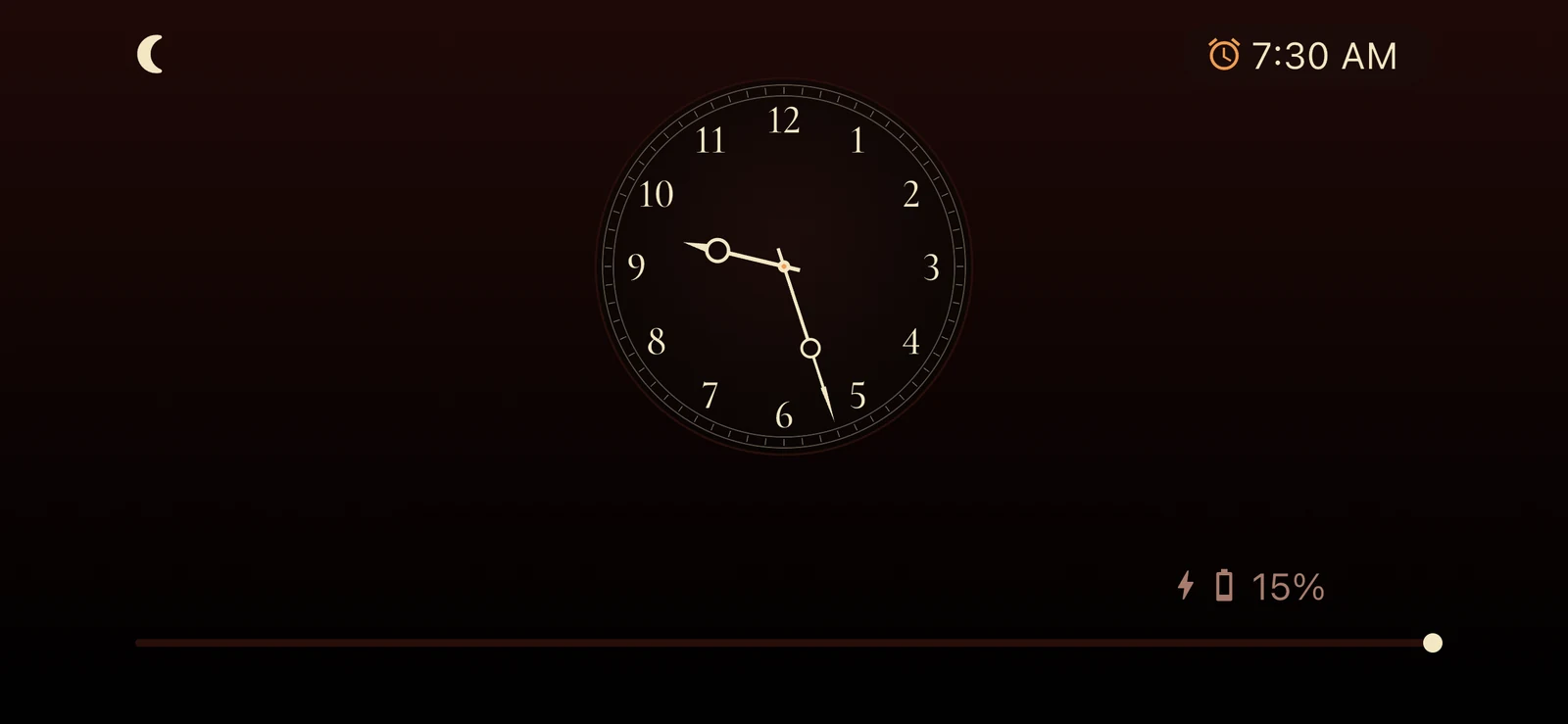
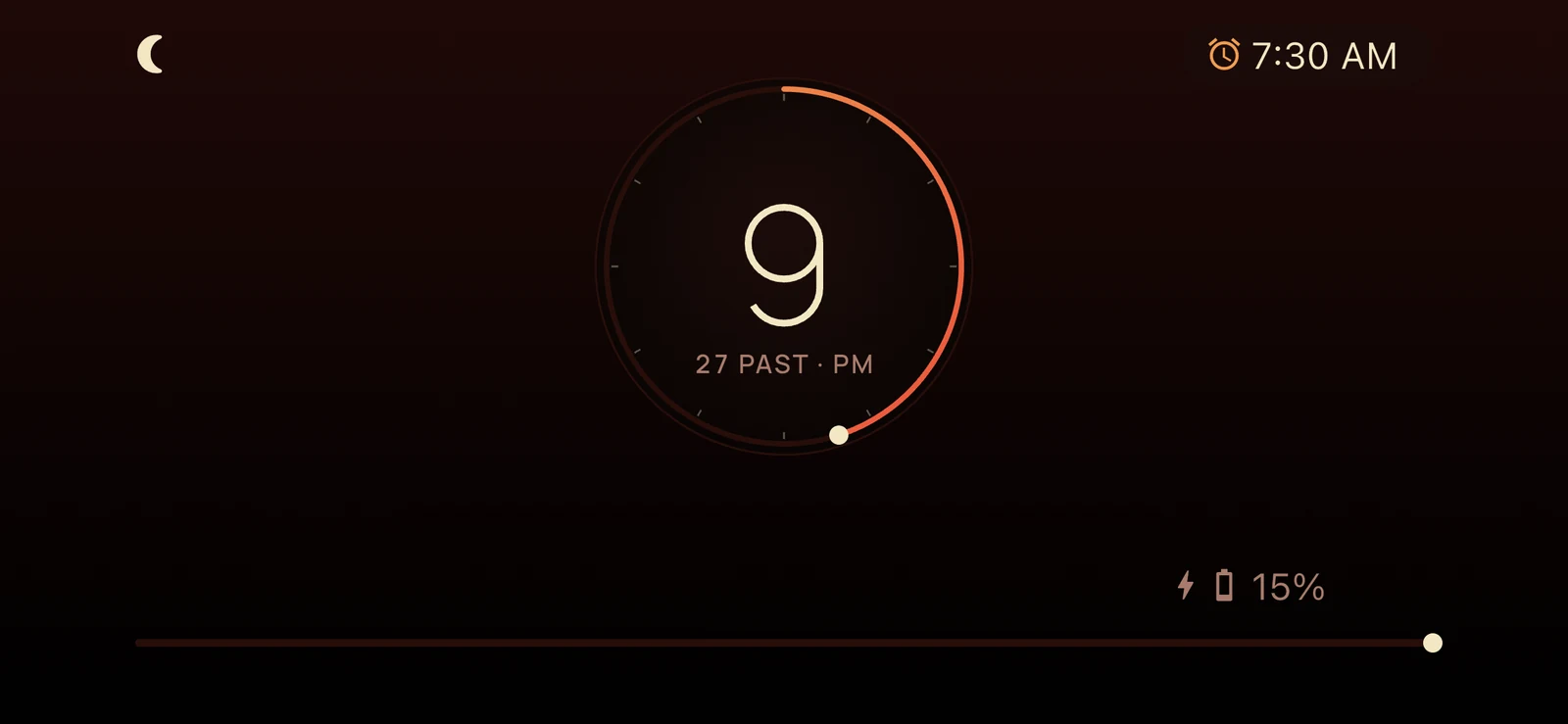
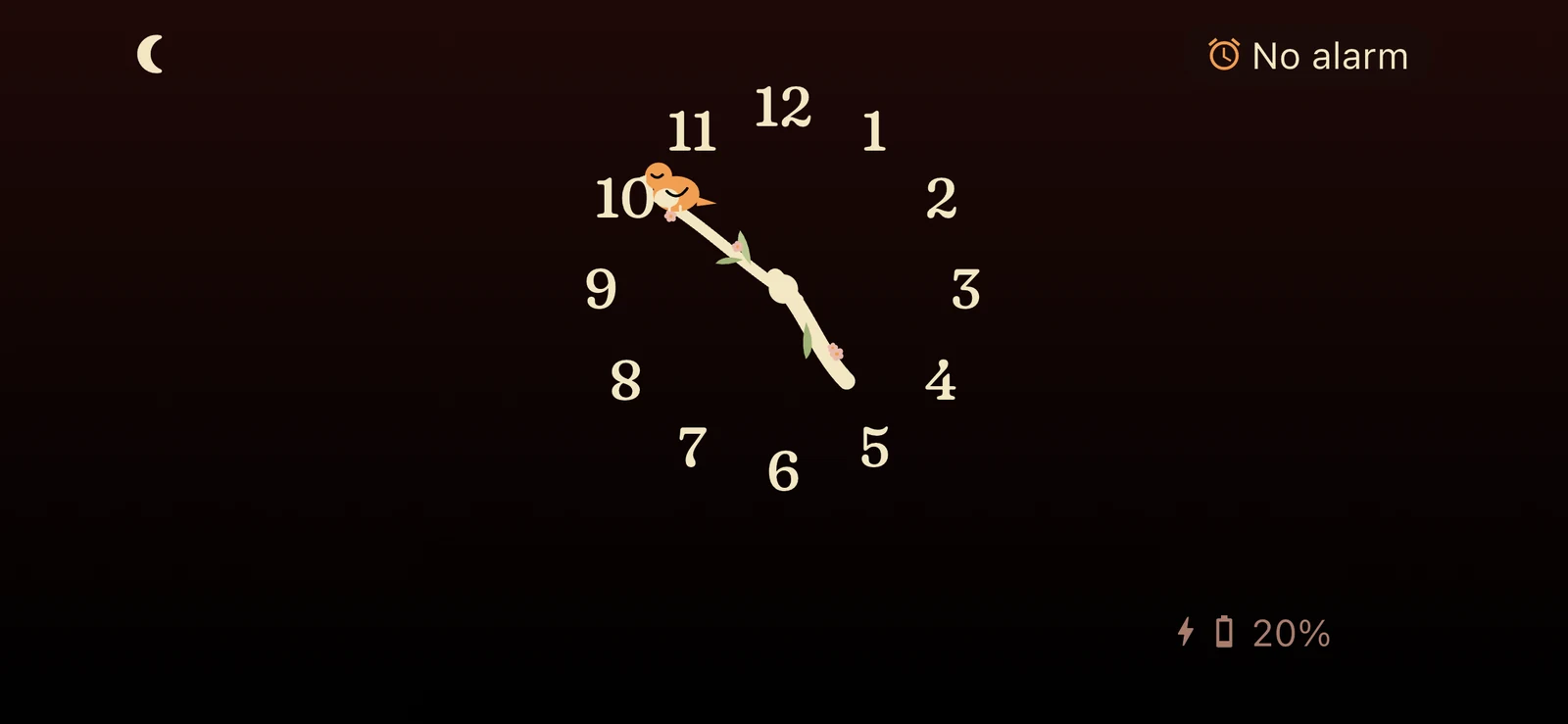
Sixteen NightDial faces. Each one drawn for the dark.
Swipe to change face. Every one fills the screen, dims at night, turns fully red in night red mode, and moves only as much as it should: digits that smoothly scroll, neon that softly flickers, sand that falls grain by silent grain. Restful by design.
Why NightDial
Small decisions, made for 3 a.m.
A bedside clock has one job: be there, quietly, all night. Everything in NightDial is built around that.
Everything within reach, each in its own corner.
Checking the time or making a small change in the middle of the night shouldn't mean waking up properly. So each corner has one simple job, and whichever face you choose, it never moves. Your hand learns where everything is, and finds it in the dark. Tap the screen and the controls appear for a few seconds, then quietly fade away.
Ten more minutes, without opening a menu.
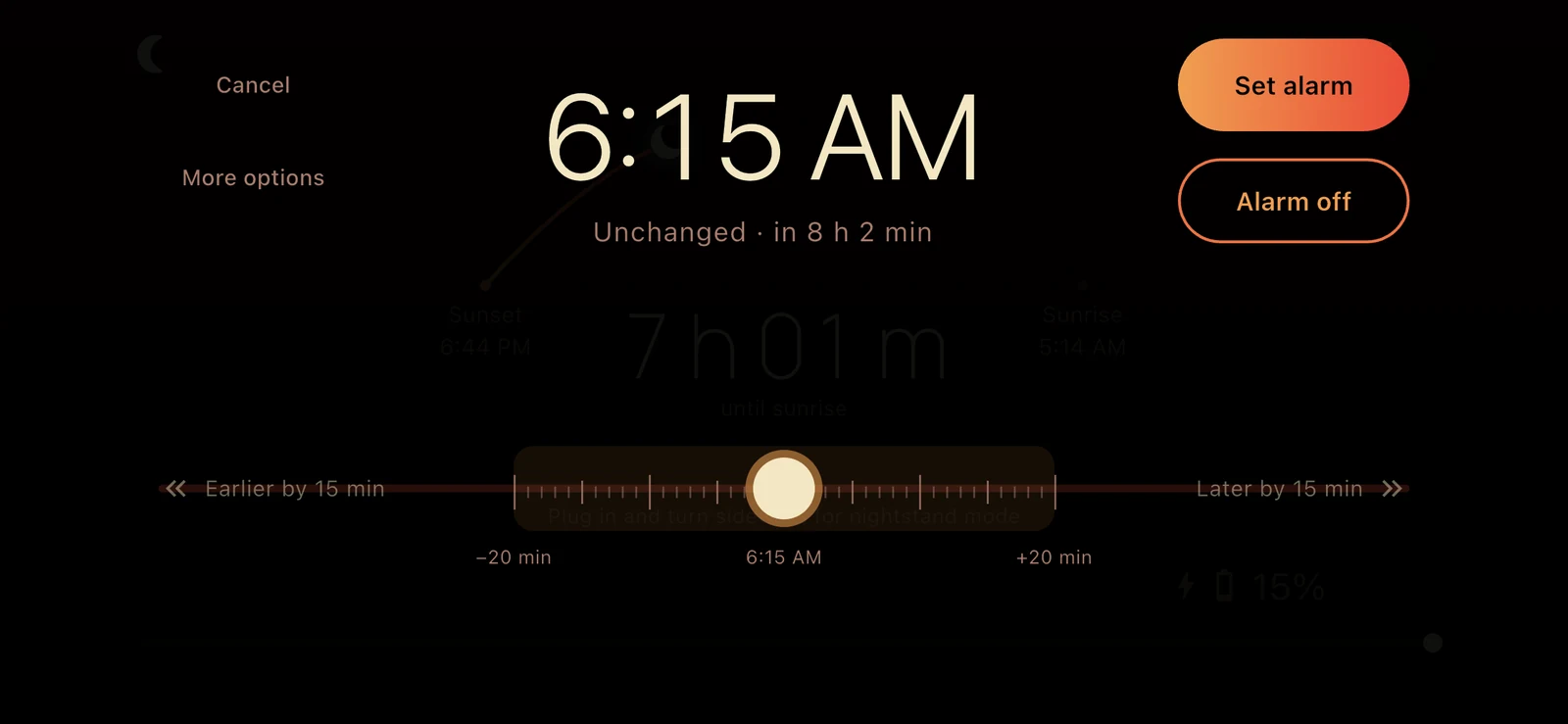
Hold the alarm time and a single dial slides into view. Drag a little for a minute at a time, or hold further out to step by quarter hours. It shows how long you have left to sleep, then gets out of the way.
An alarm for every part of your week.
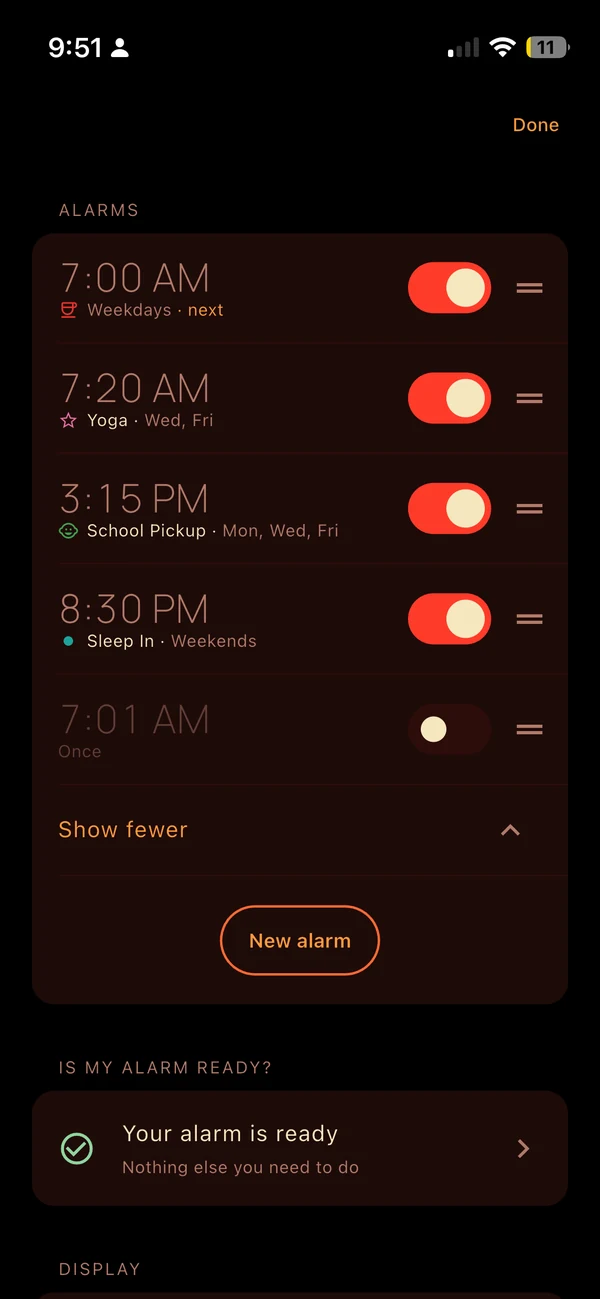
Set as many alarms as you like, each with its own time, sound and snooze. Repeat on weekdays, weekends or chosen days, or go further: every few days, monthly on a date, or the second Saturday of every month.
Give each one a name, a colour and an icon, so you know at a glance what's next: Yoga in pink, School pickup in green. The clock shows the next alarm in the top-right corner with its own icon, and a quick switch turns any alarm off for a while without deleting it.
It keeps watch, so you don't have to.
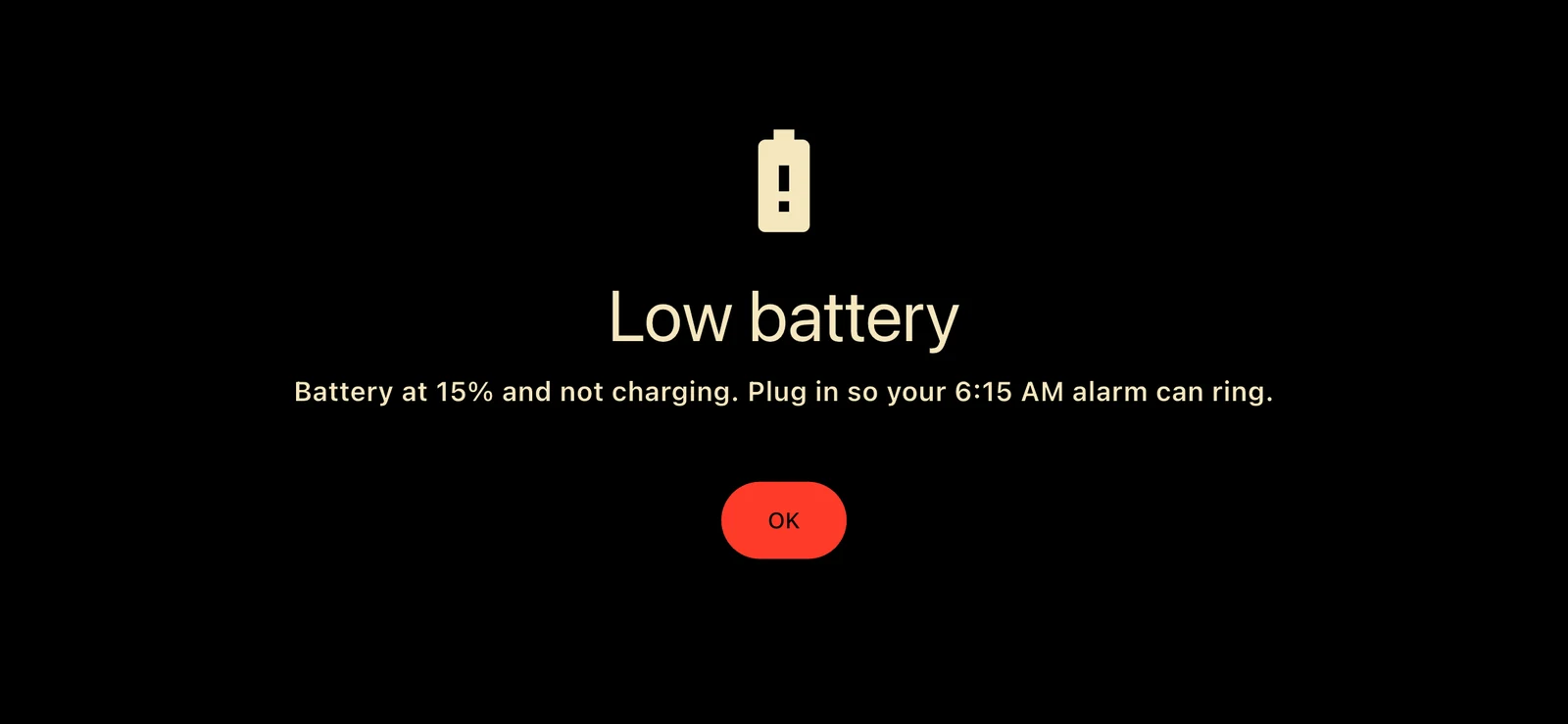
Charger knocked out in the night? NightDial gently warns you before the battery runs too low to last until your alarm, and keeps the clock going, dimmed, so the alarm still rings.
And if anything did go wrong, the next morning tells you what most likely happened, and what to do differently tonight.
As dim as you need
Your iPhone's brightness only goes so low. NightDial turns the screen right down, then keeps going by fading the digits themselves, down to just 3%. On an OLED iPhone the glow can be as faint as you like.
Easy on night eyes
Turn on night red mode and every face glows entirely red, the gentlest light for eyes in the dark. A glance at the time won't undo your night vision or leave you wide awake.
An alarm with every safeguard iOS allows
From iOS 26, NightDial uses AlarmKit, Apple's own alarm system, so it rings just like the Clock app: even with the app closed, on silent or in a Focus. Only a flat battery can stop it. On earlier versions, iOS doesn't let any app guarantee an alarm, so NightDial does everything it can: it rings while on screen, sends backup alerts, and tells you exactly what to check before bed.
"Is my alarm ready?"
One plain answer, in everyday words. It checks the volume, headphones, Focus and charging, and if anything needs doing to make sure your alarm rings, it walks you through it step by step.
Bigger with a tap
The four corners hold what matters at night: battery life and charge status, your alarm time and brightness. They stay small and dim, so they never glare in the dark. Tap the alarm or battery and all four grow a third bigger for a few seconds: easy for bleary eyes to read and sleepy fingers to hit. Then they gently shrink back.
Kind to your screen
Night after night, the clock drifts a few pixels so no part of the screen holds the same image for hours, guarding against burn-in. It's too slow to notice, and the corners always stay put.
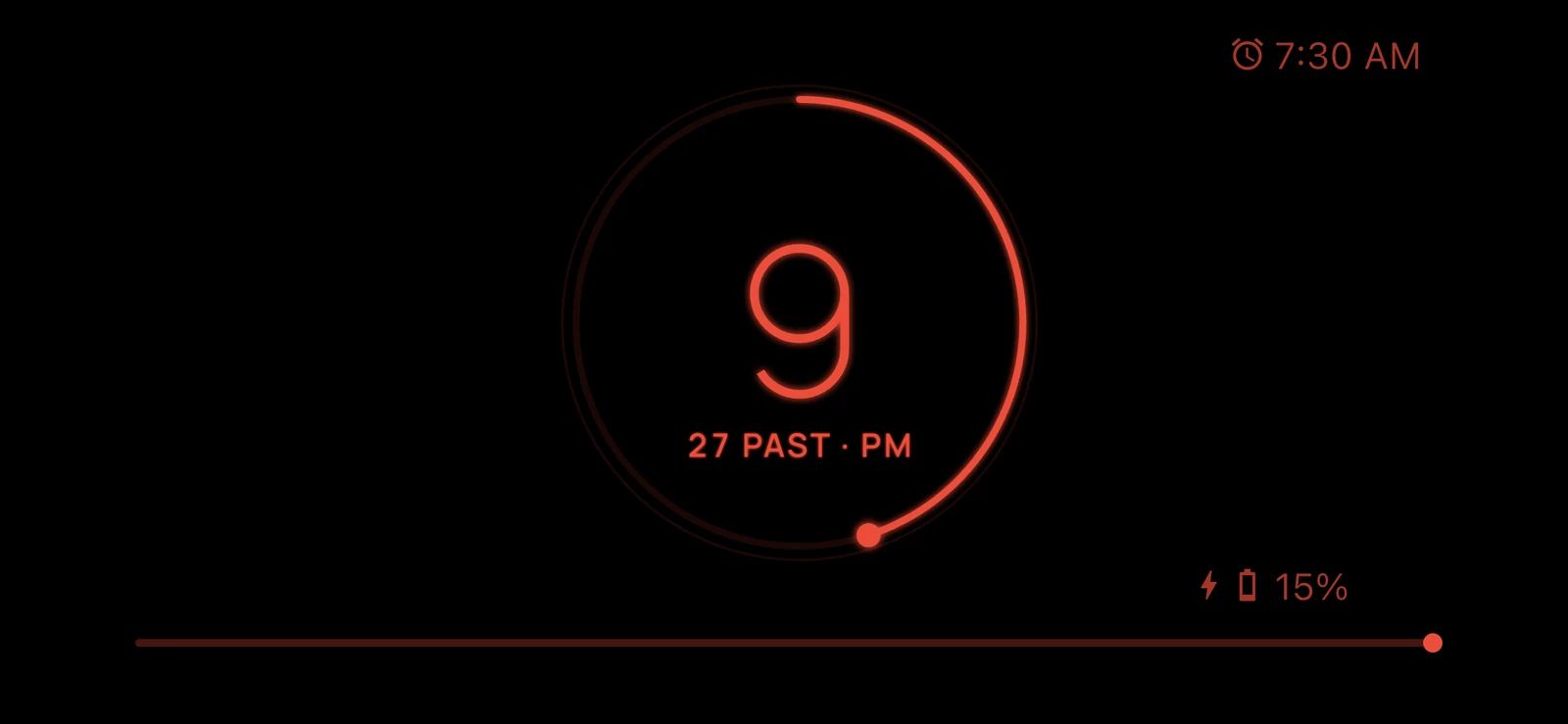
NightDial Nightlight
A soft light for getting up in the night.
No fumbling for a lamp. Hold the middle of the screen until you feel a click, and your clock slowly brightens to show a warm amber glow: enough to find your way, gentle enough not to wake anyone.
Take it with you. Unplug the phone and the light stays on, with a Torch button for the camera light when you need more. Back in bed, hold the middle again and it fades quietly down.
Your alarm still rings while it's on. Choose how bright it glows in Settings, with a preview to try it first.
A gentler morning
Wake up knowing what the day needs.And nothing more.
No appointments, no headlines, no inbox before your first coffee. Life is stressful enough. NightDial shows only what you need to get out of the door, and leaves the rest of the day for later.
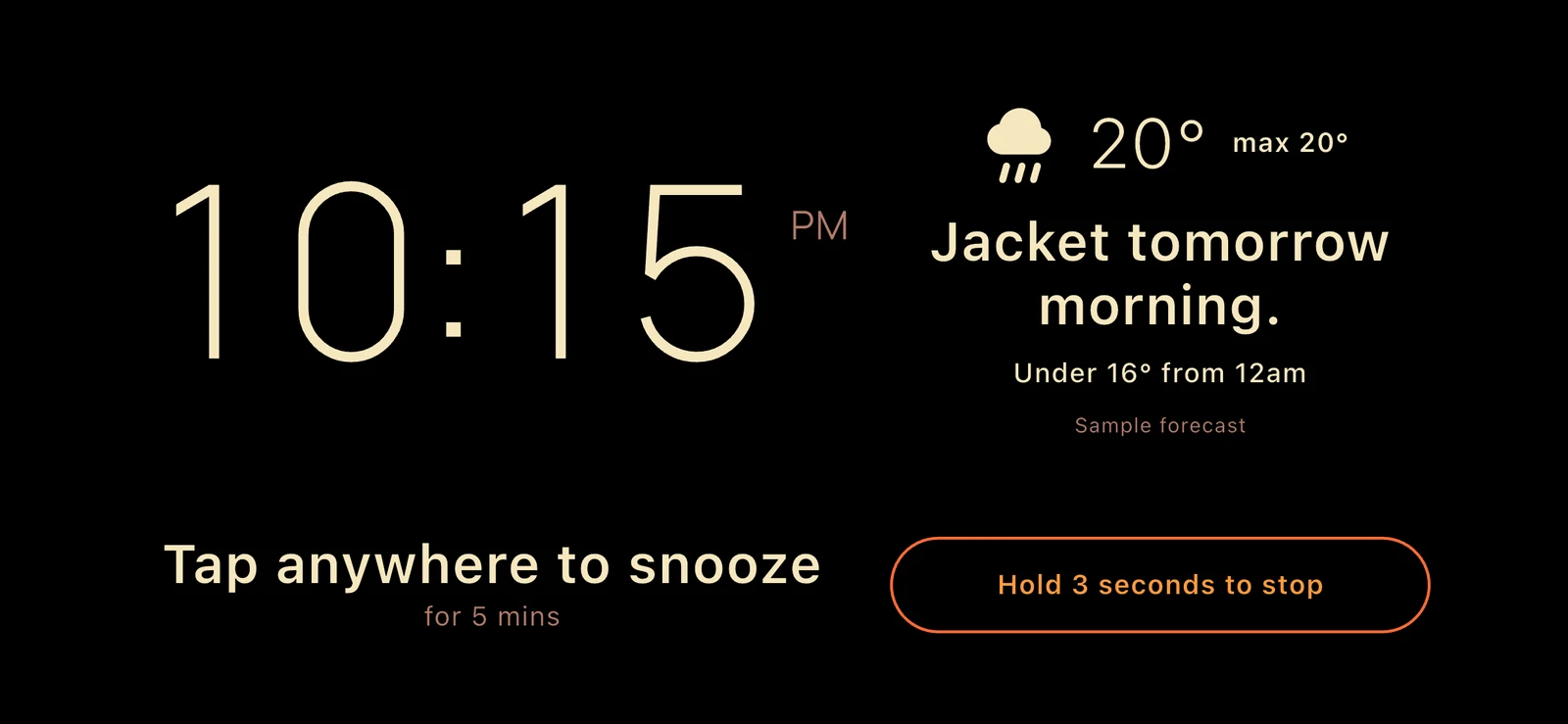
When the alarm rings, your clock face sits beside today's forecast and a plain sentence: take a jacket, an umbrella or sunscreen. The forecast is fetched before you wake, so the alarm never waits on the network.
Bin night, too, because nothing drives sleep away quite like a desperate run to get the bins out. Tell it your bins and how often they go out, and it reminds you, each drawn in its lid's colour.
Tap anywhere to snooze. Stop takes a three-second hold, so a sleepy swipe won't switch it off by mistake. Give it a try.
Privacy
What happens at night stays on your phone.
No account, no tracking. Your settings and the overnight log never leave the device. The only thing sent anywhere is your rough location, to Apple Weather, for the morning forecast.
Read the privacy policyCompatibility
Works on the iPhone you have.
- Runs on iOS 15 and later, and stays on all night on every model
- Morning weather from iOS 16
- System-level alarms on iOS 26
- Every face scales to fill your screen
Put NightDial on your nightstand tonight.
Free, with every face and feature. Download it now and you're a Founding Supporter: everything stays unlocked for you, forever, including whatever we add later.
Get NightDial freeNo ads. No account. No subscription.